
Consulting Services LLC Wholesale Supplier of vSee Box V3 PLUS & V6 PLUS
Discover premium vSeeBox V3 PLUS and V6 PLUS at wholesale prices from Consulting Services LLC- your trusted source for advanced entertainment and display solutions.

About Consulting Services LLC
I’m David, a local distributor of vSeeBox products based in Wisconsin.
I believe in fairness, honesty, and quality — and with products like the vSeeBox , the performance truly speaks for itself.
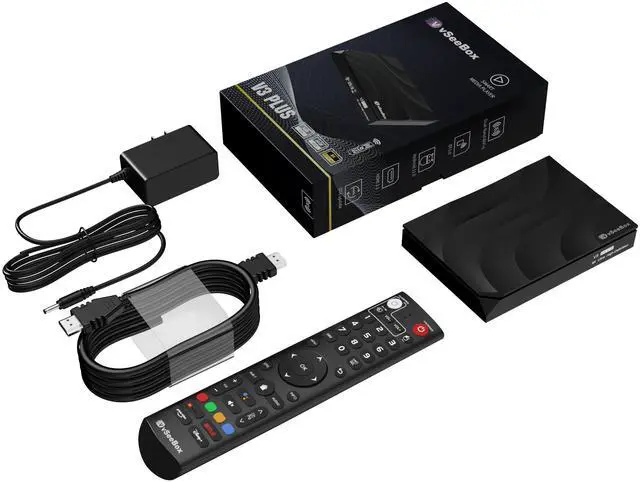
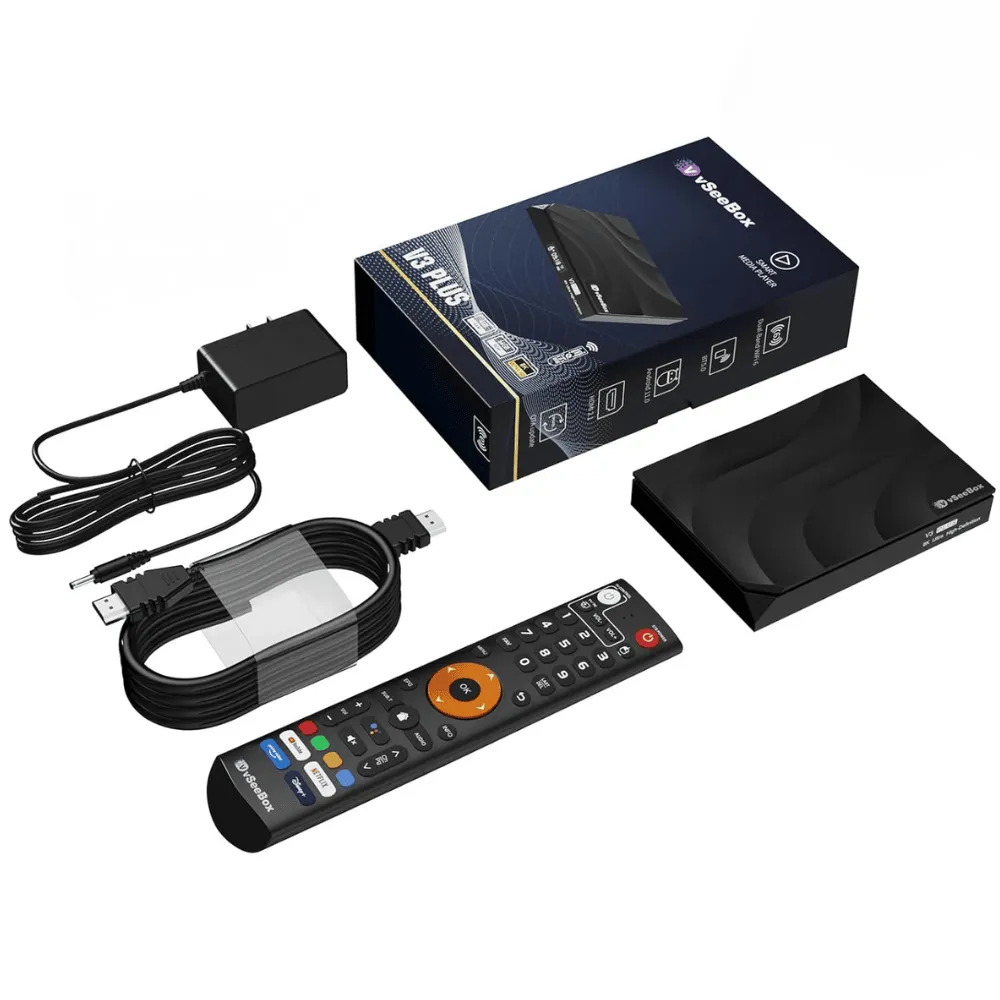
vSeeBox V3 PLUS
- Processor : High-speed quad-core chipset for seamless streaming
- Storage : 32GB internal memory, expandable via microSD
- Connectivity : Dual-band Wi-Fi & Bluetooth 5.0 for stronger, faster connections
- Voice Control : Built-in voice command via remote
- Video Output : 4K UHD resolution for sharp, vibrant images
- Voice Control : Built-in voice command via remote
- Compatibility : Works with popular apps and streaming services
- Ease of Use : Simple plug-and-play setup — no subscription required
Why Choose the V3 PLUS
Experience Mega Streaming – Faster, Smoother, Better
Exclusive Credit Card Payment
Only vseeboxus.com offers secure credit card checkout
Plug & Play Setup
Simple installation – just connect to your TV and Wi-Fi
8K Ultra HD Quality
Enjoy crisp, high-resolution streaming on any screen
Voice Control Enabled
Use your remote to search and control with your voice
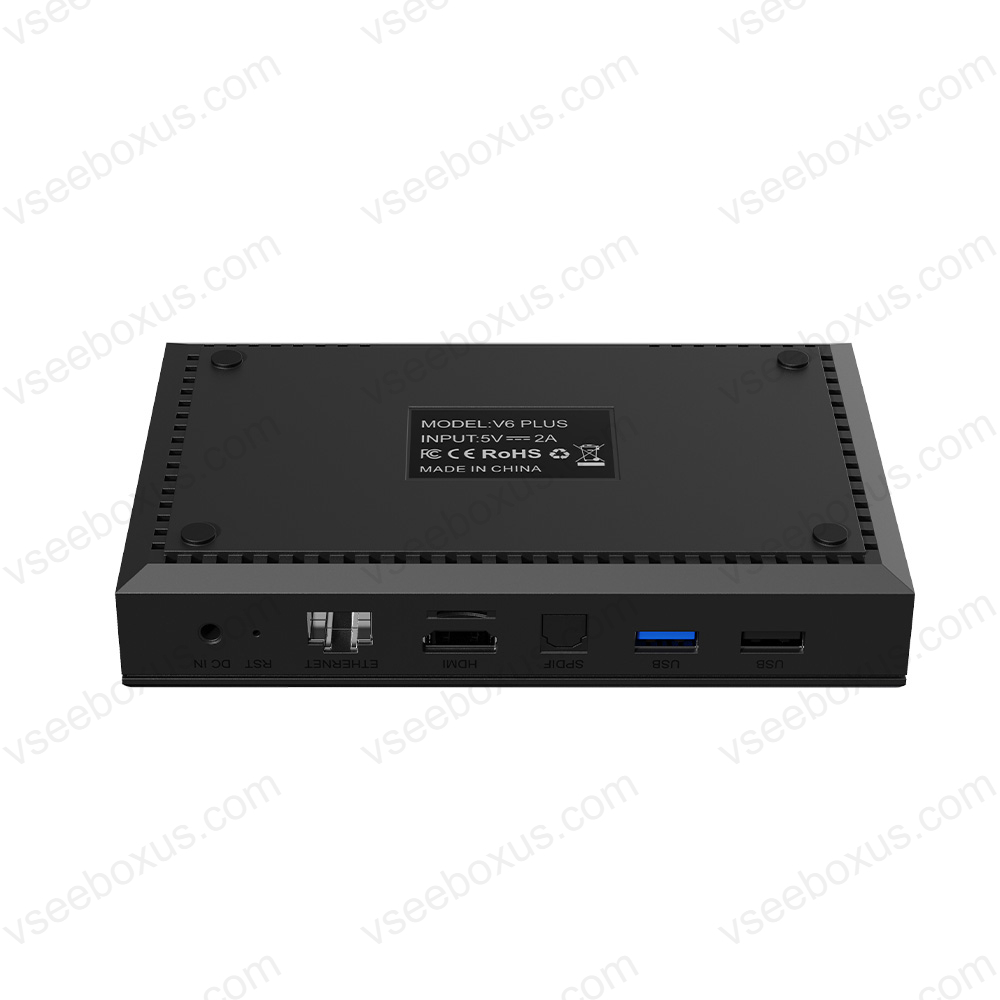
vSeeBox V6 PLUS
- Processor : Octa-core chipset for lightning-fast speed
- Storage : 64GB internal memory with expandable options
- Connectivity : Dual-band Wi-Fi 6 + Ethernet port for stable performance
- Voice Output : Supports up to 8K resolution playback
- Video Output : 4K UHD resolution for sharp, vibrant images
- Advanced Remote : Voice-activated and programmable shortcuts
- Cooling System : Smart thermal control for extended use
- Updates : Automatic firmware updates for improved functionality
What my clients say
Boost productivity and streamline workflows with vSeeBox. Powerful, user-friendly tools designed to simplify business operations and enhance team collaboration.
Boost productivity and streamline workflows with vSeeBox. Powerful, user-friendly tools designed to simplify business operations and enhance team collaboration.
Frequently Asked Questions(FAQ)
How do I set up my vSeeBox?
Are there any helpful tips for browsing?
How can I access local stations?
- Open the Heat Live App.
- Ask for the city you want local stations from for example, say “Milwaukee stations.”
- Click OK on one of the stations and save it to favorites.
- You can also page up or down to find the next local station and save those as well.
How do I save a channel to favorites?
When watching a show in the Heat Live channel that you want to save:
- Click OK, and a menu will appear.
- The cursor will highlight the channel you’re watching.
- The cursor will highlight the channel you’re watching.
- Hold OK until a small heart icon appears in the cursor box (about 1–2 seconds).
- Release OK to confirm. The channel will now be saved to your favorites.
Can I save shows or movies to favorites?
In the Heat VOD or VOD Ultra apps, it’s better to use the History feature instead. If you’ve opened a series or movie, it will automatically appear in your History list, making it easy to find and resume later.